
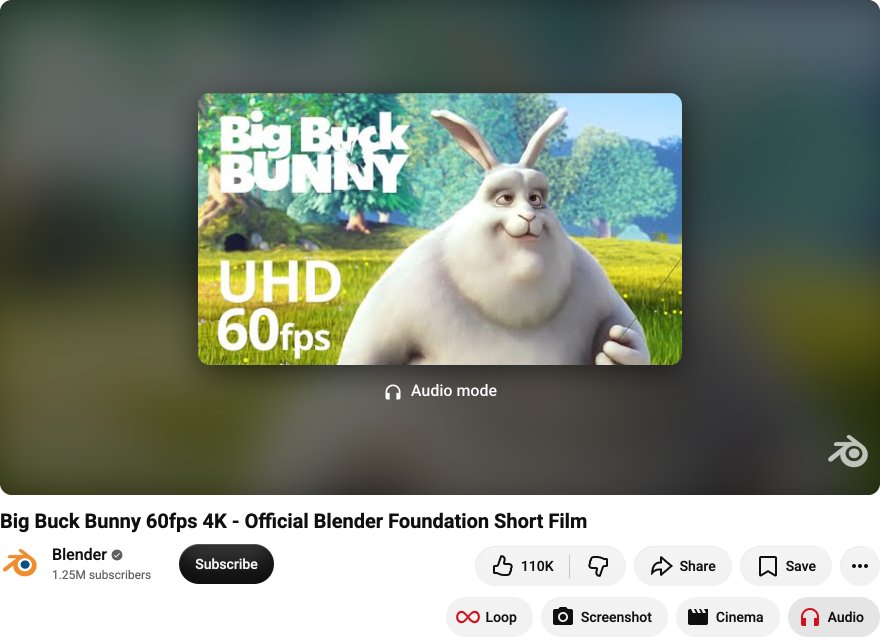
Audio mode
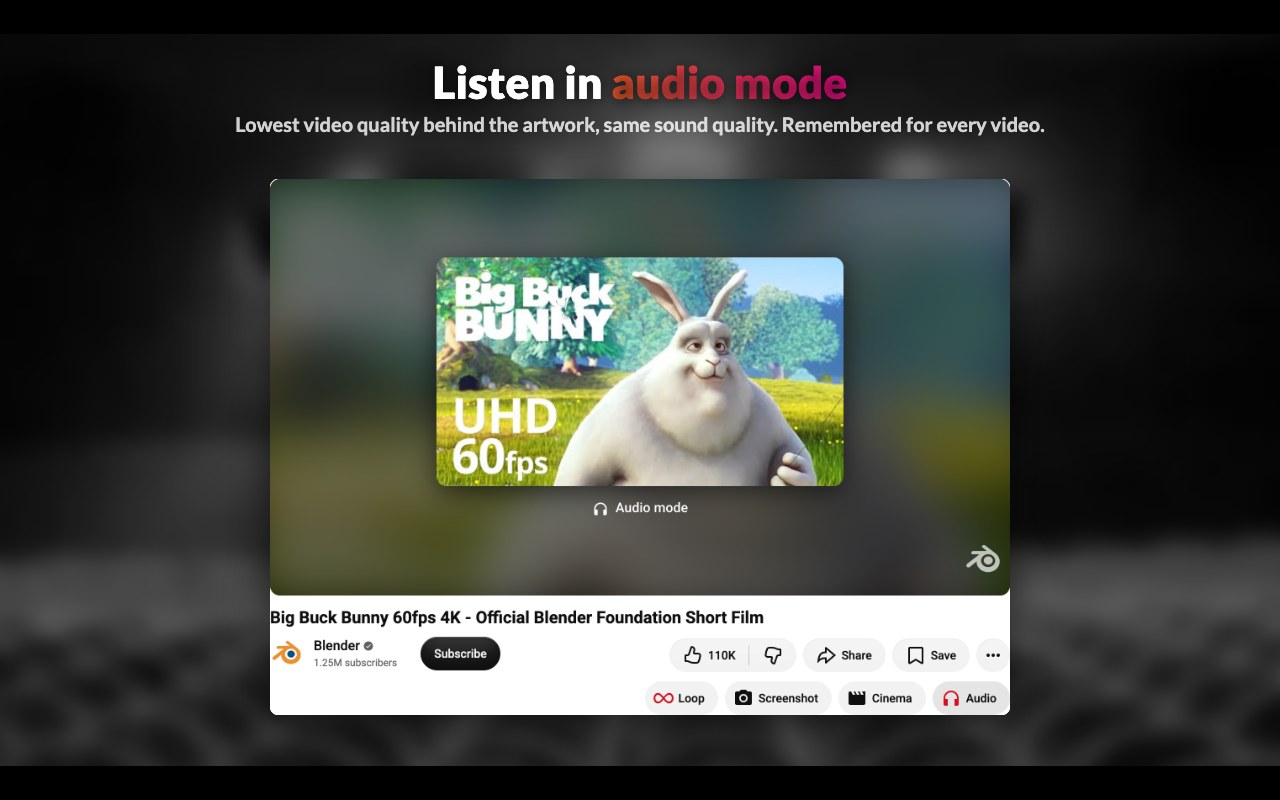
Listening to music, a podcast or a talk? Mark a video as audio and it plays at the lowest video quality behind its artwork: less data, same sound quality. Remembered for every marked video, and a whole playlist can be marked in one click.

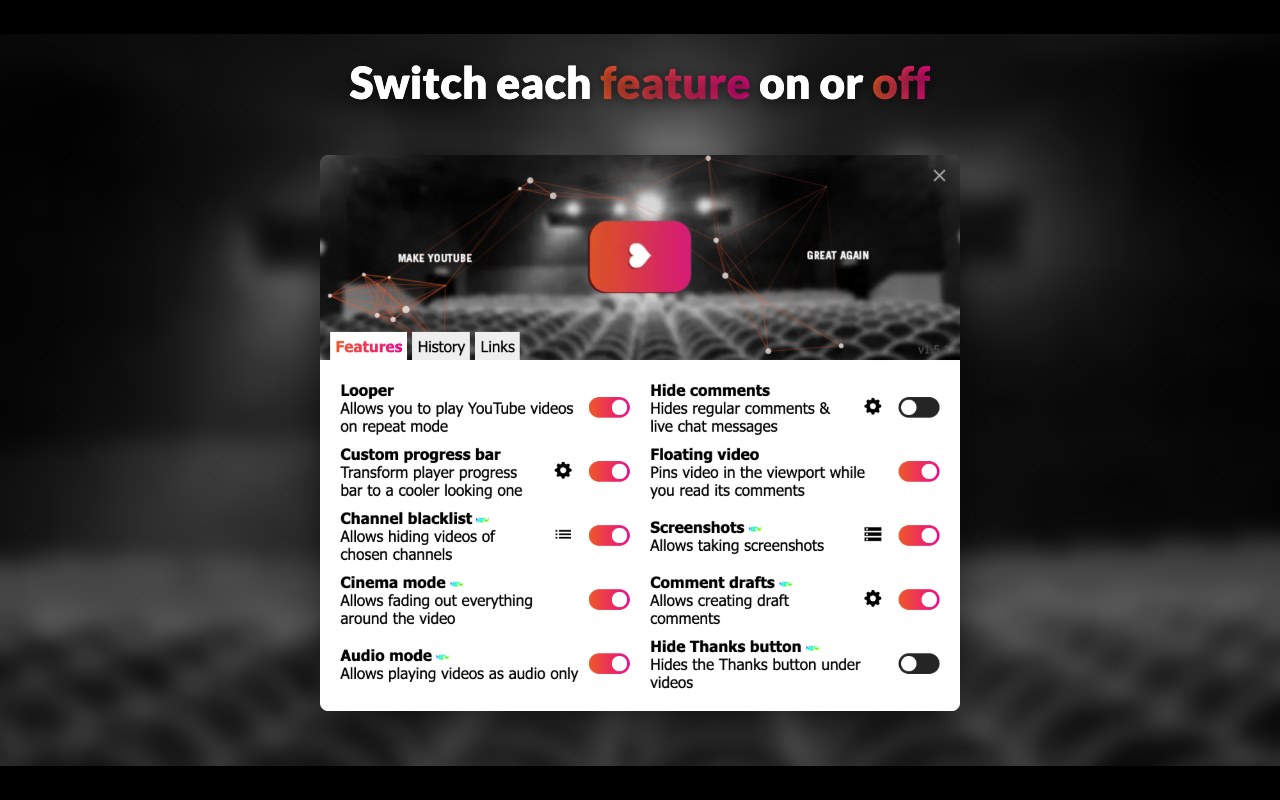
The small things YouTube™ is missing: audio-only mode, cinema mode, looping, screenshots, comment drafts, a floating video & more. Switch each feature on or off, keep only what you use.
From the browser's store, or straight from the latest release on GitHub.
Install from Firefox Add-ons: one click, updates automatically.
Add to FirefoxA package signed by Mozilla for installing straight from GitHub. It works in any Firefox and keeps updating on its own.
myga-firefox.xpi in FirefoxRegular Firefox only installs signed add-ons. Firefox Developer Edition, Nightly & ESR can install the unsigned build:
about:config and set xpinstall.signatures.required to falsemyga-firefox.zipabout:addons, click ⚙ → Install Add-on From File… and pick the zipTo just try it in any Firefox: about:debugging → This Firefox → Load Temporary Add-on… (removed when Firefox restarts).
Install from the Chrome Web Store, or Microsoft Edge Add-ons in Edge: one click, updates automatically. Opera & Vivaldi install from the Chrome Web Store.
Add to Chrome Add to Edgemyga-chrome.zip and unzip itchrome://extensions (Edge: edge://extensions, Opera: opera://extensions)Manually installed extensions don't update on their own: repeat these steps with a newer release to update.
Build it yourself from the open source code, with Node.js 24:
git clone https://github.com/TautvydasDerzinskas/make-youtube-great-again.gitnpm ci & npm run builddist/chrome or dist/firefox as aboveEvery feature can be switched on or off from the extension's popup.
Listening to music, a podcast or a talk? Mark a video as audio and it plays at the lowest video quality behind its artwork: less data, same sound quality. Remembered for every marked video, and a whole playlist can be marked in one click.
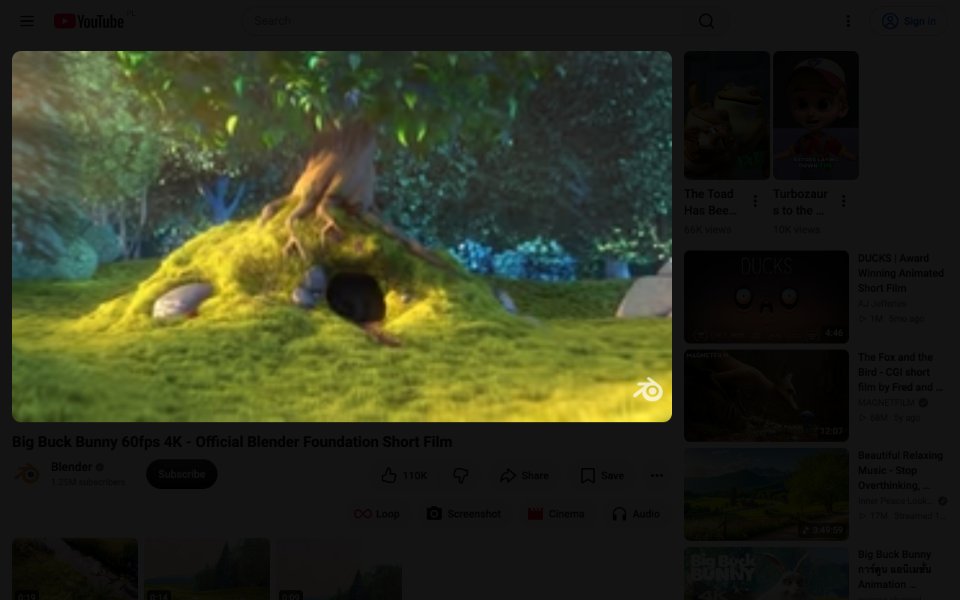
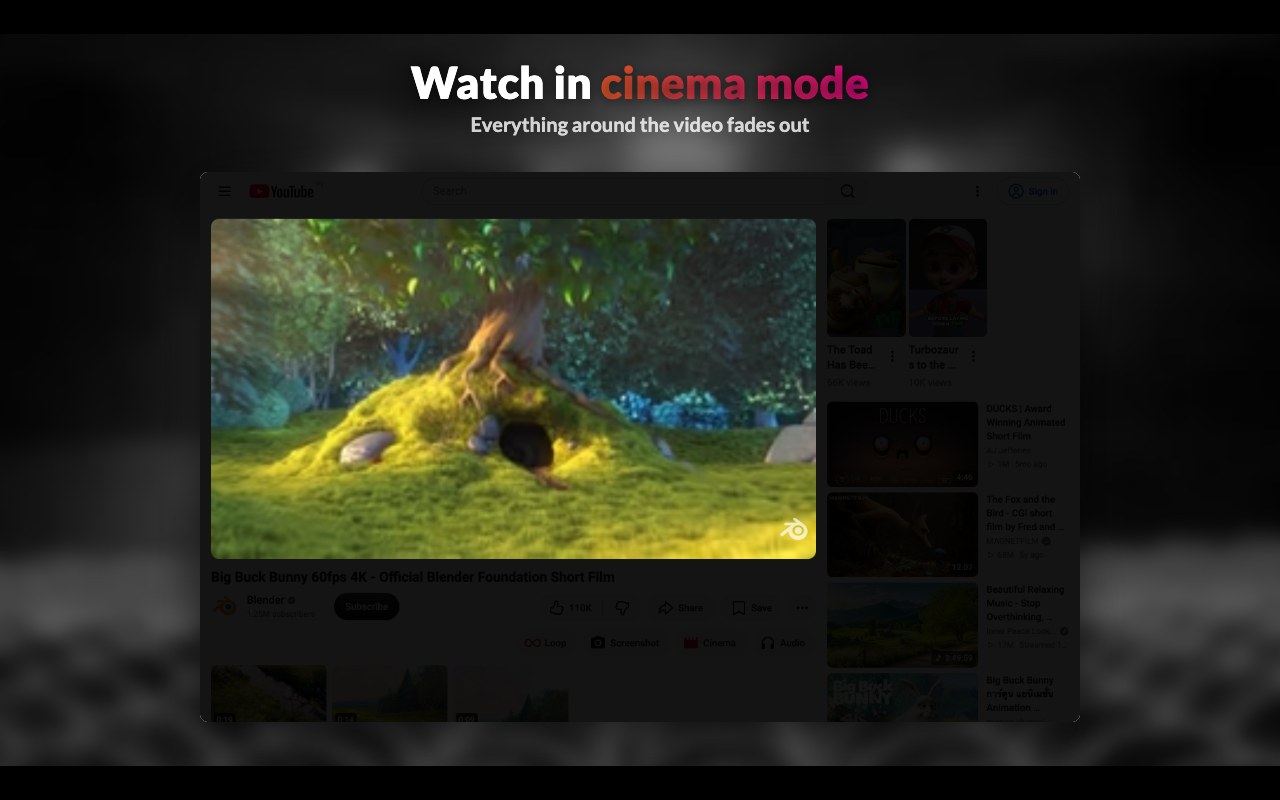
Fade out everything around the video with one click. Press Esc or click around the video to bring the page back.
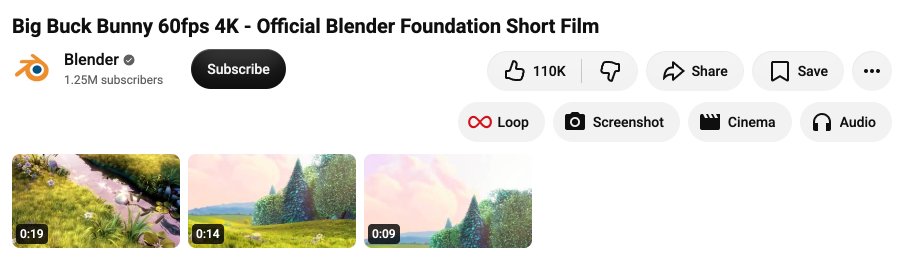
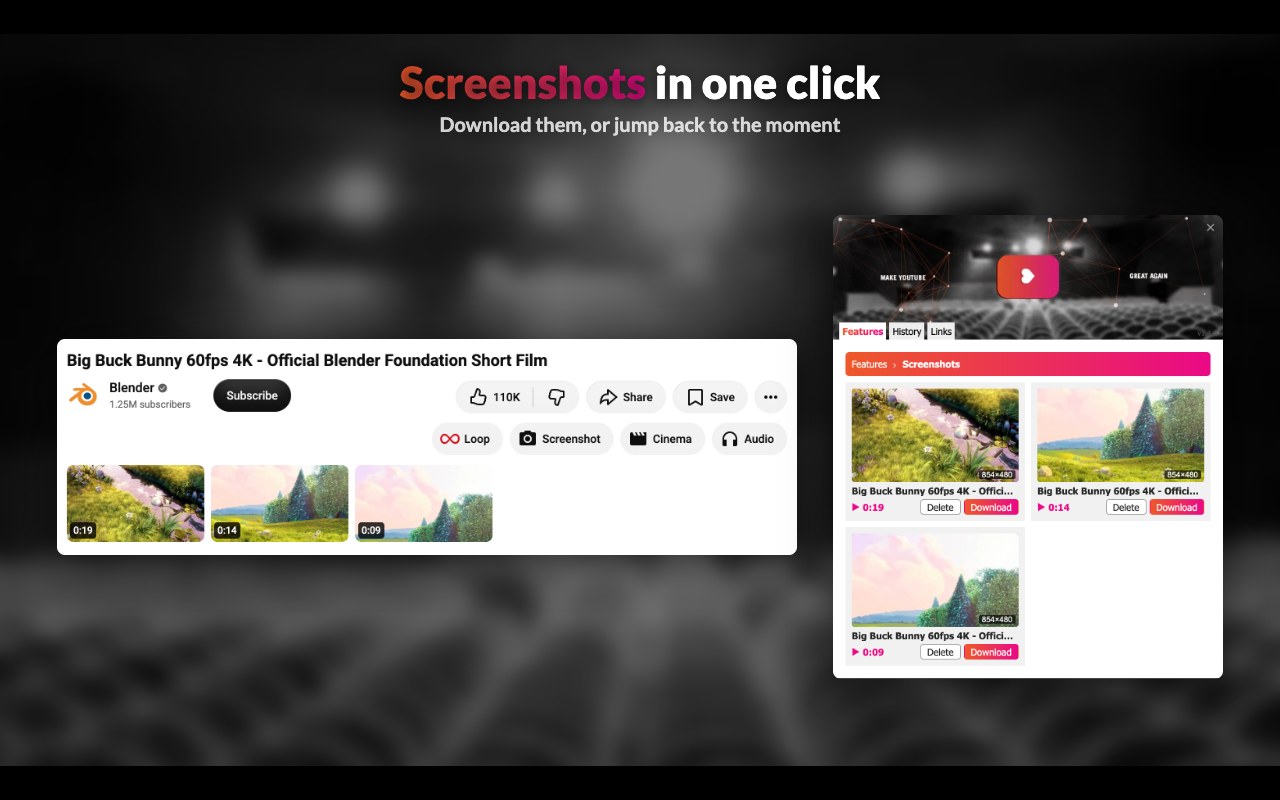
Save the current frame in one click, in the quality you're watching. Download or delete them under the video or in the popup, or jump back to the moment each was taken.
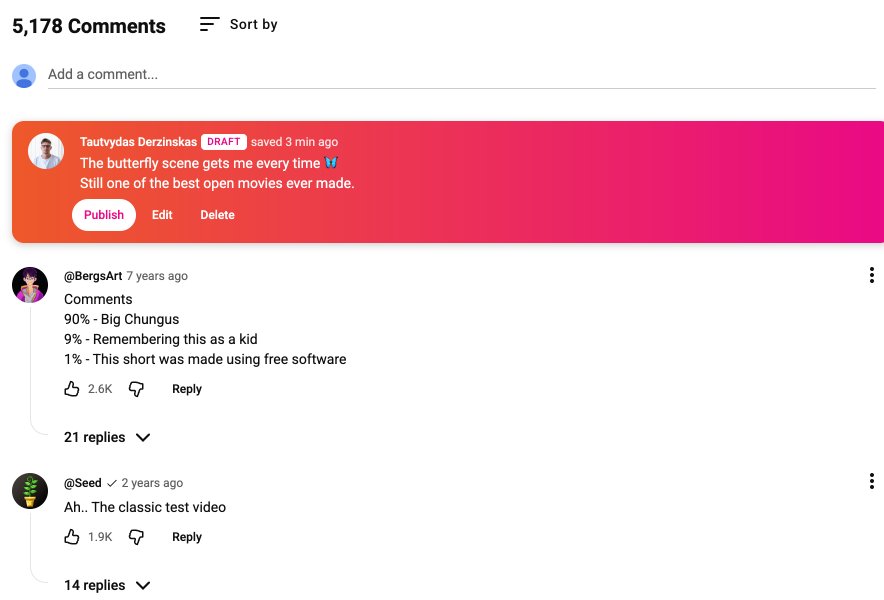
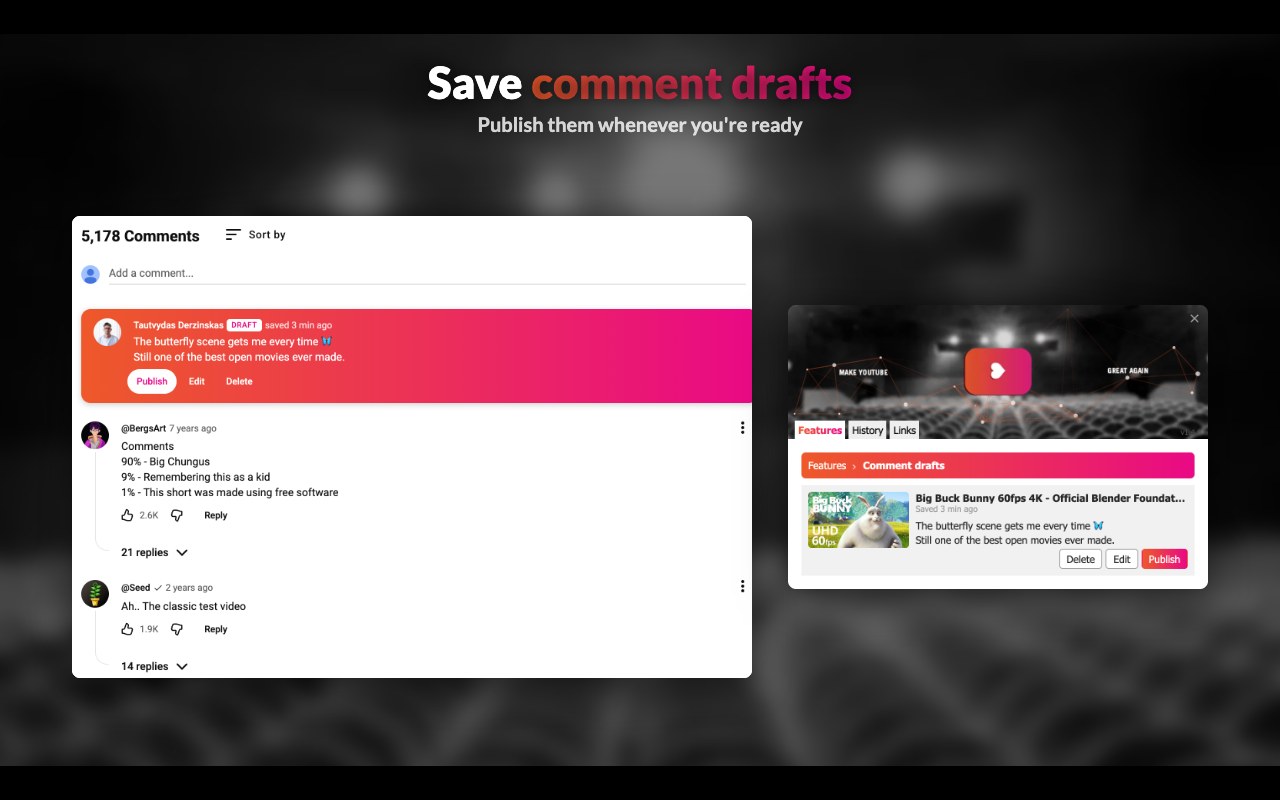
Not ready to post yet? Save your comment as a draft. Drafts show above the comments, ready to publish, edit or delete, and all of them are listed in the popup.
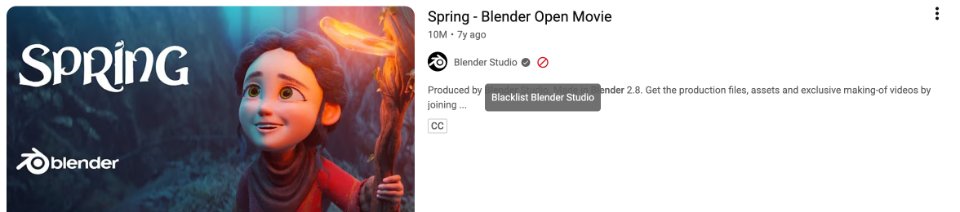
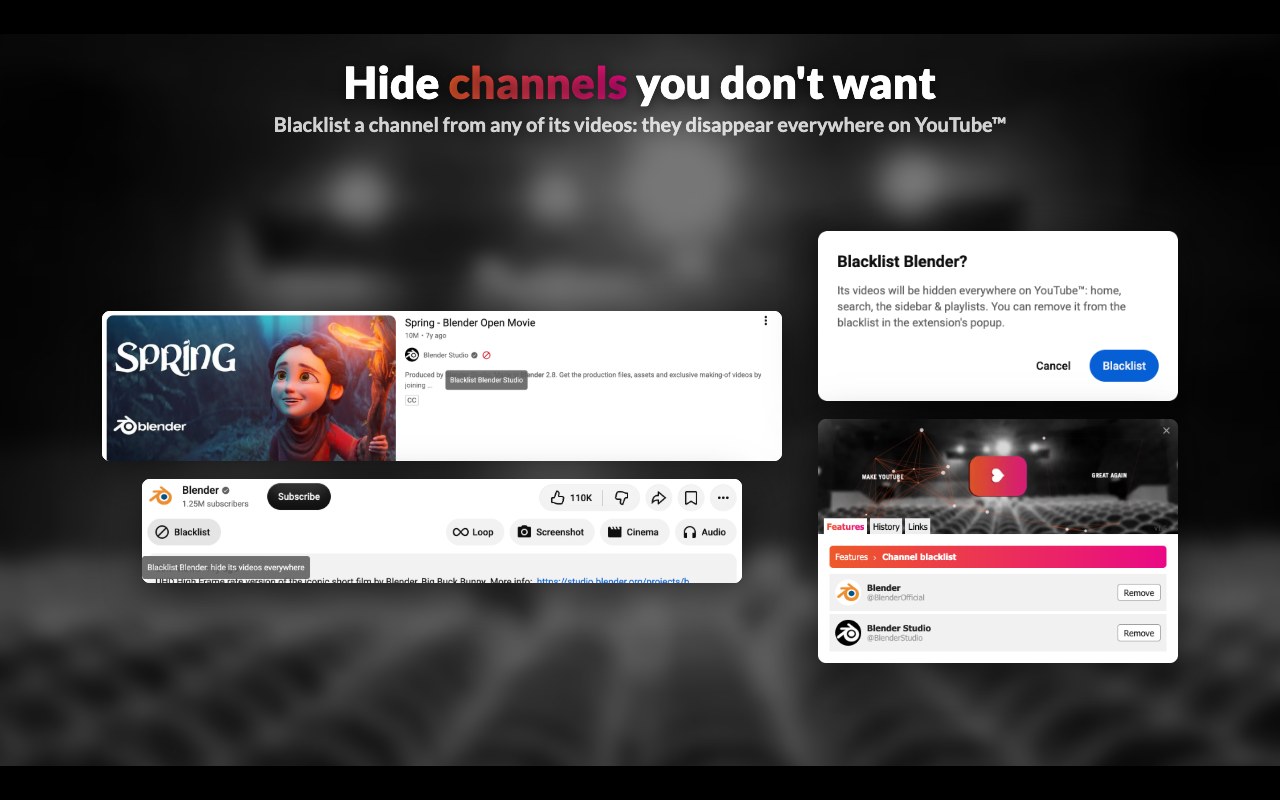
Hide videos of channels you don't want to see, everywhere: home feed, search, the sidebar, playlists. Blacklist a channel with the Blacklist button under a video, or while hovering any video in a list. Remove channels from the list in the popup.
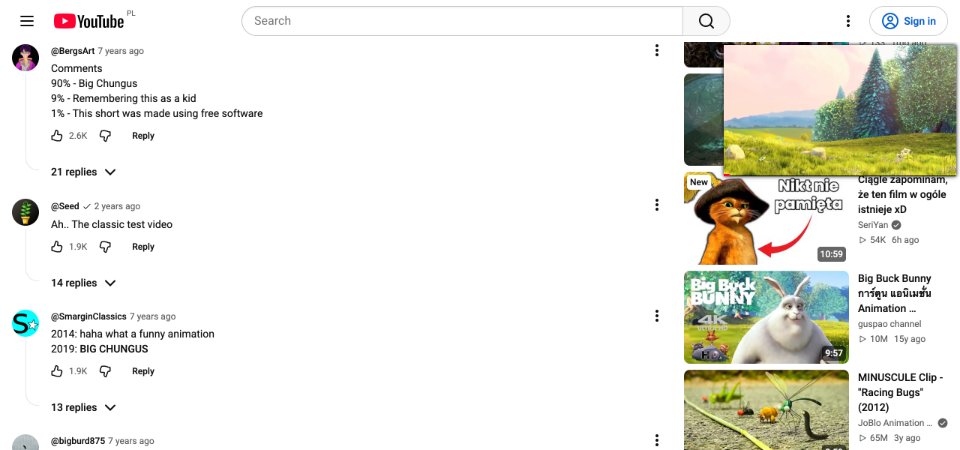
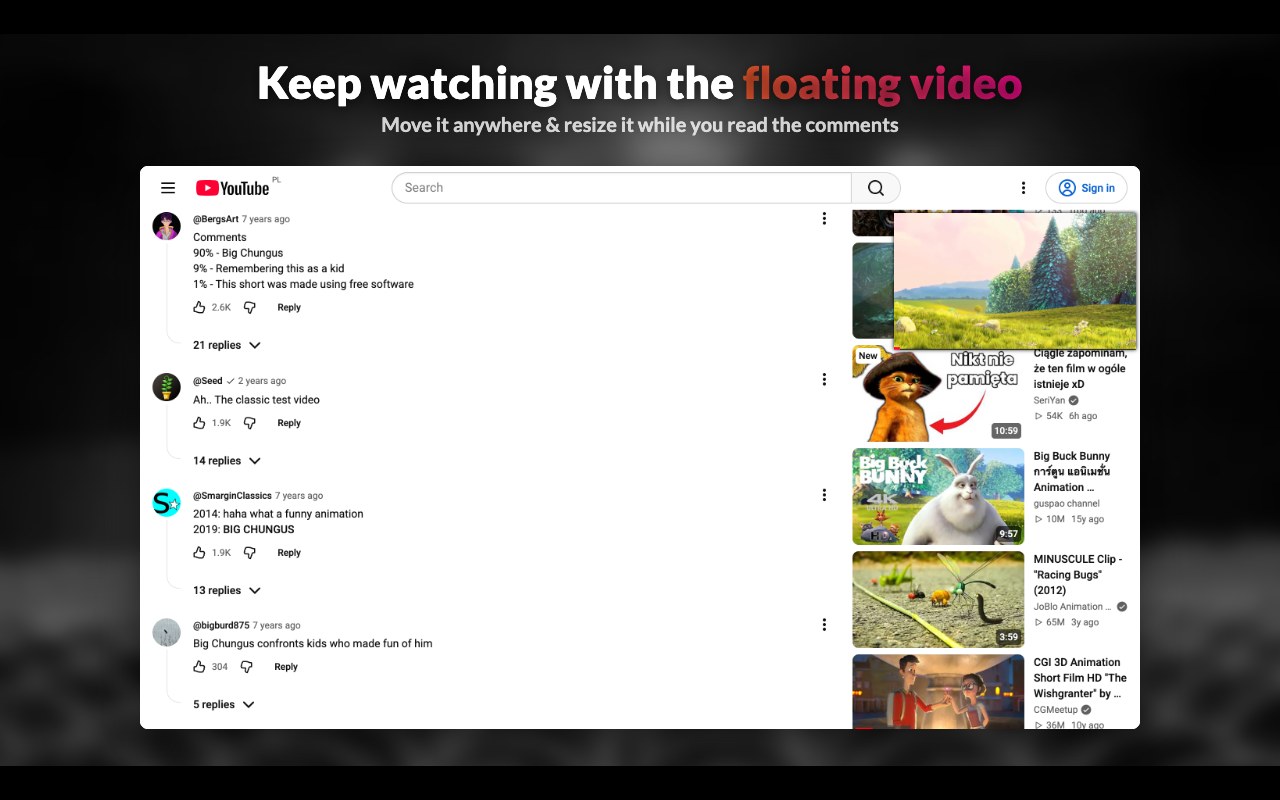
Keep watching while you scroll down to read the comments: the video follows you in a small window you can move anywhere and resize.

Play a video on repeat with one click.
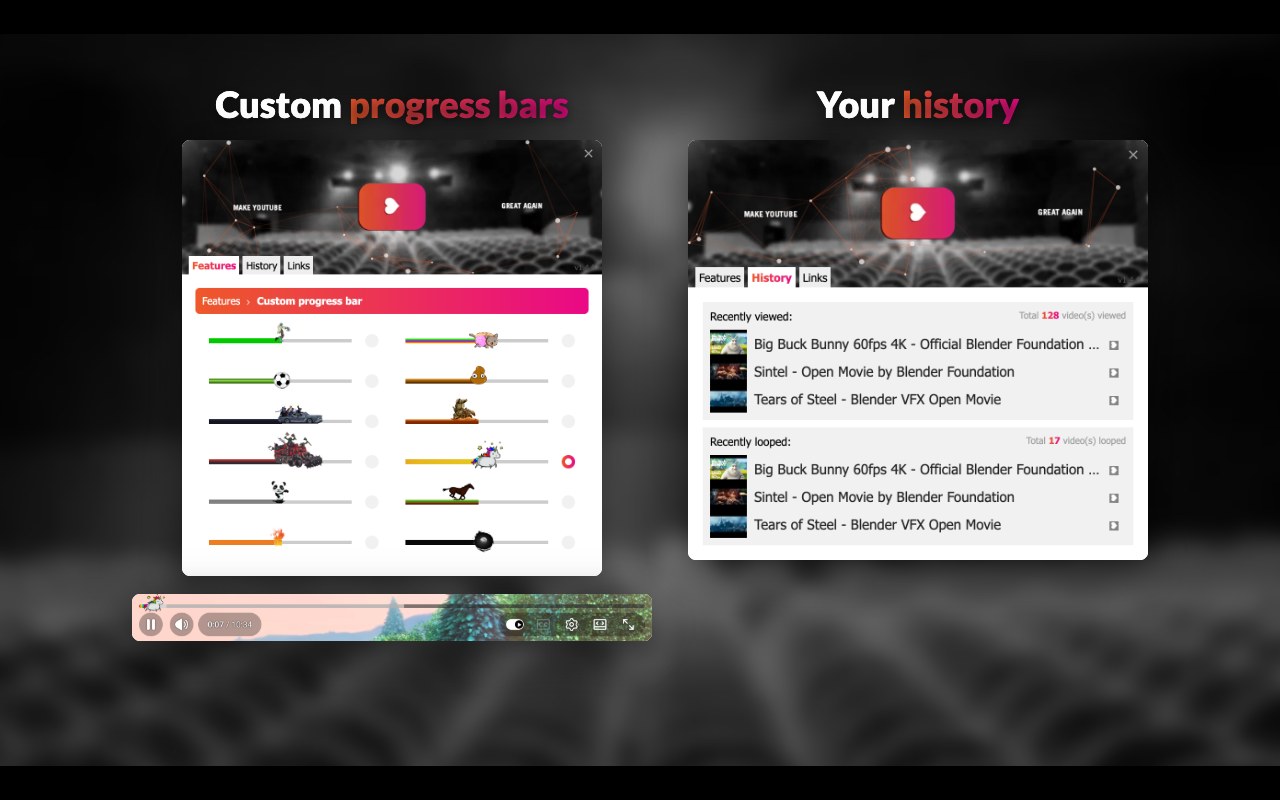
Swap the progress bar for a playful one: Nyan Cat, a unicorn, a panda and more.
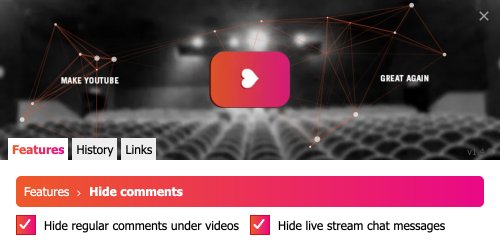
Hide comments and live chat messages when you'd rather not see them.
Remove the "Thanks" button from under videos.
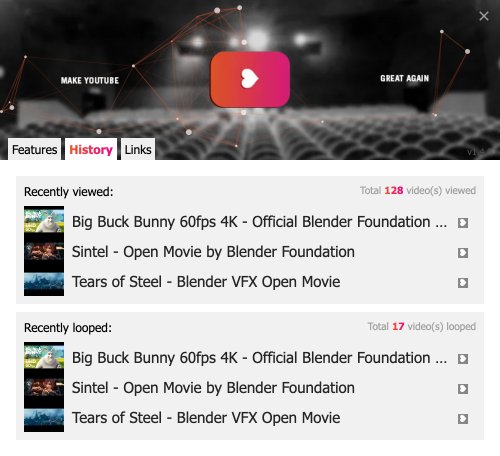
See the videos you've recently watched and looped.
Live previews, drawn by the extension's own styles. Pick one in the popup: Custom progress bar → ⚙.
Yes. It's free and open source under the MIT license, with no ads and no paid features.
No. Everything it saves stays in your browser, and it has no accounts, analytics or tracking. See the privacy policy.
Only because it sounds funny. There's no political message.
Open an issue on GitHub, contributions are welcome too.
Everything the extension saves (settings, marked videos, drafts, screenshots, history) stays in your browser. No accounts, no analytics, no tracking. Privacy policy
Free & open source. If it's useful to you, consider supporting its development: